Tech / BRAND & MODEL GUIDEApple.
Know the details.
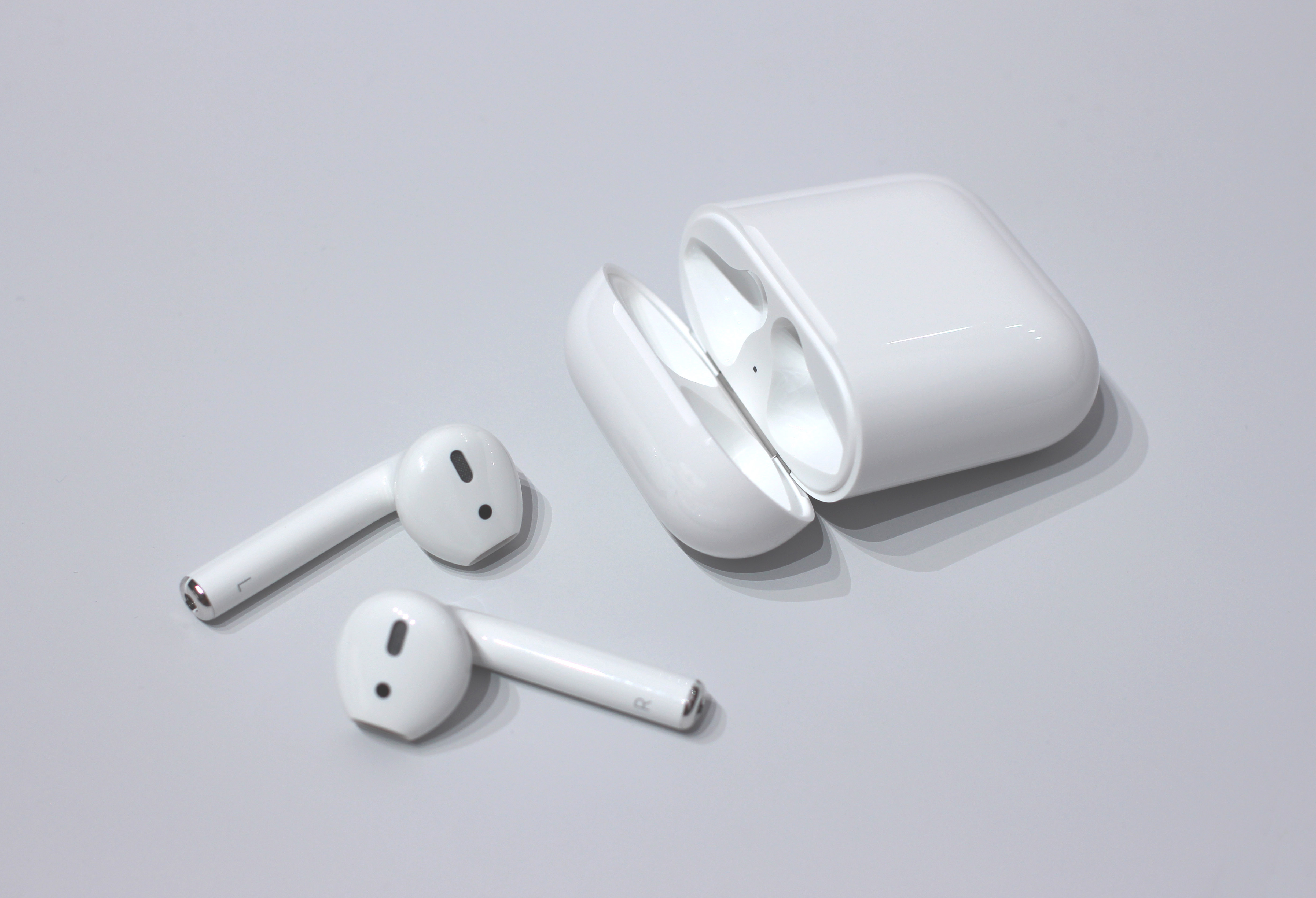
Identify the earbuds and case separately. The AirPods family includes different generations, fit styles and charging cases, so record both parts before comparing a new or used set.
PRODUCT FAMILY 01AirPods 4
Separate the standard AirPods 4 option from AirPods 4 with Active Noise Cancellation. Check the exact earbuds and charging case reference, required charging method and the features supported by your device. A white charging case alone does not identify the version.
View product details & images ↗PRODUCT FAMILY 02AirPods Pro 3
Keep the generation with the Pro name and confirm the matching case. Compare fit and included ear tips, ownership transfer and device compatibility. When buying used, ask about replacements so that the description identifies both earbuds and the charging case.
View product details & images ↗ Independent editorial guide from WhatSTK. Brand names identify the products discussed; this site is not affiliated with these brands.