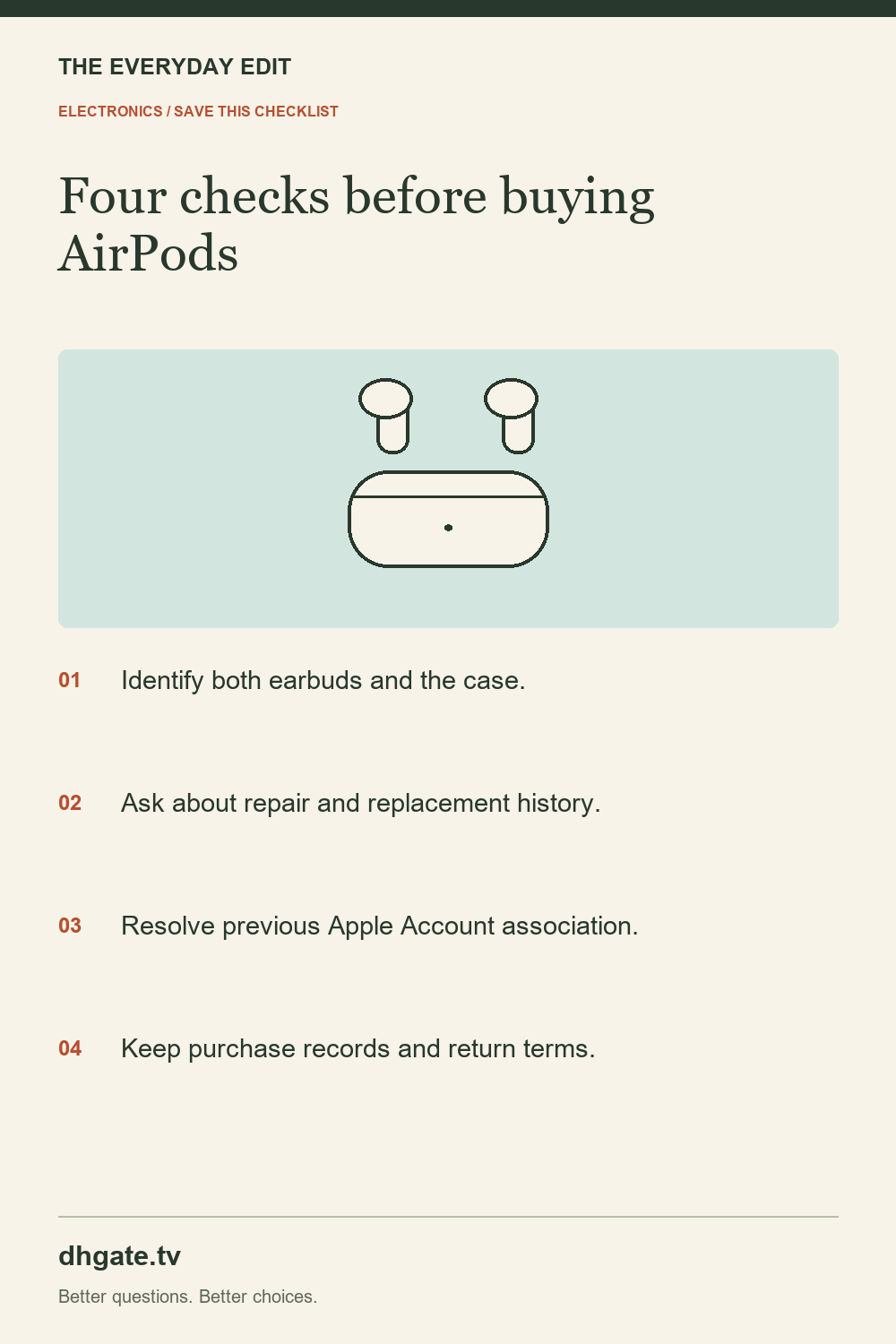
Identify the charging case first
Use Apple's identification guide to establish the exact case model. Record the connector and any supported wireless charging method from the relevant documentation. Do not infer charging compatibility from the word 'AirPods' alone. If you own several cases, label your notes clearly so the charging instructions for one do not become the assumed instructions for all of them.
Choose where charging will happen
Think about the desk, bedside table, or travel pouch where you expect to recharge. A wired arrangement needs a compatible cable and power source; a wireless arrangement needs a charger supported by that particular case. Draw the whole connection on paper. Include the power adapter rather than assuming the pad or cable contains every component needed to operate.
Check the first charging session
Follow Apple's directions for the identified case and look for the appropriate charging indication. Place wireless equipment as instructed and verify that charging has begun before leaving it. If the expected indication does not appear, check the documented setup rather than repeatedly rearranging unrelated accessories. A consistent place on the desk makes it easier to notice when a cable has become disconnected.
Keep a simple troubleshooting order
If charging fails, record which case, cable, adapter, and method were used. Change one compatible component at a time so you can understand the result. Avoid putting objects into charging contacts or ports to force a connection. If the equipment appears damaged or the problem persists, use the manufacturer's support route with your component list and observations.
Your buying checklist
- Identify the exact case
- Choose a supported method
- Include the power source
- Verify charging has started
- Record components before troubleshooting
Further reading & references
Useful background and further reading.
Questions or a correction? Get in touch with the page link. Read our editorial policy.