Find the model information
On a compatible paired Apple device, open the AirPods information in Settings and record the model name and model number. Apple also provides locations for printed model numbers on the hardware. Keep model numbers separate from serial numbers; they serve different purposes. Start with an accurate record rather than a seller's shortened title such as 'new wireless AirPods.'
Record the case separately
Identify the charging case as its own component and note its connector type. Earbuds and cases can look familiar while having different compatibility requirements. Photograph the case and its identifying details for your private notes. When ordering a protective cover or replacement component, send the exact model reference rather than asking whether an accessory fits a general generation name.
Describe the accessory's job
List whether you need charging, physical protection, carrying convenience, or a replacement component. Then check the accessory listing against the relevant model and case. A compatible-looking shape does not answer every functional question. For example, a cover needs the correct openings and lid arrangement, while a replacement charging case needs explicit compatibility with the earbuds you own.
Keep identification separate from authenticity
Use the information to choose accessories and communicate with support, without treating a matching number as a complete authenticity assessment. Keep the seller's invoice and purchase details as a separate record. If information conflicts, ask Apple or the seller about the specific discrepancy before ordering another component. A well-labeled record can save more time than several rounds of guessing from photographs.
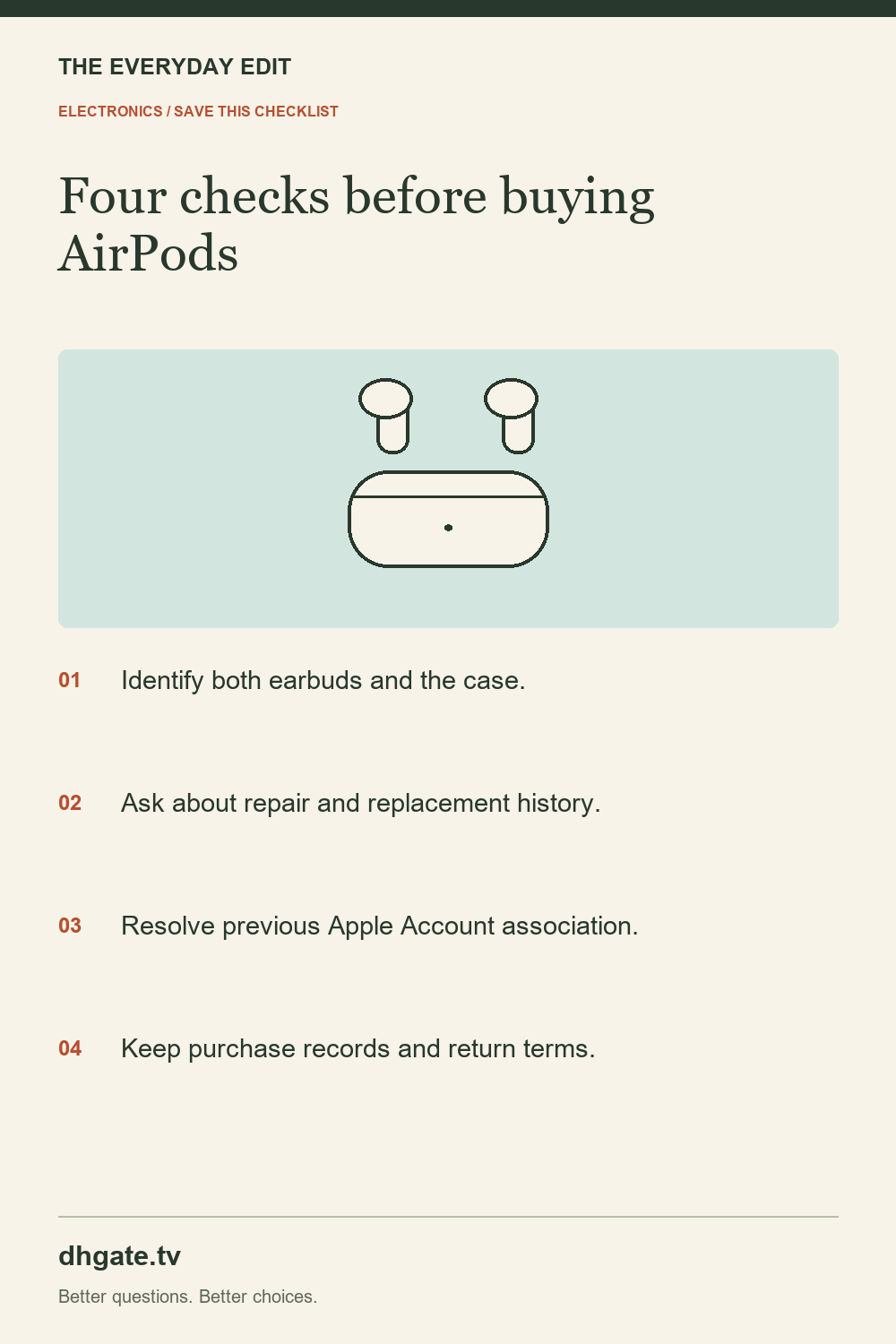
Your buying checklist
- Record model and serial separately
- Identify the case
- Note connector type
- Check exact accessory compatibility
- Retain the purchase record
Further reading & references
Useful background and further reading.
Questions or a correction? Get in touch with the page link. Read our editorial policy.