Identify the exact model
Apple’s identification guide explains where to find AirPods model numbers, including in supported device settings and on the earbuds. Use the current official guide to compare the stated model and charging case. Do not rely on a listing title such as latest generation.
Ask about condition and included parts
Request actual photos of both earbuds, the case, charging port and included accessories. Ask whether either earbud or the case has been replaced, and whether the set has been repaired. Confirm the charging method and compatibility for the specific model rather than assuming every AirPods case has the same features.
Check previous ownership
Apple states that an accessory associated with another Apple Account must be removed from that account by its previous owner before it can be paired for Find My use with a different account. Ask the seller to complete the applicable removal process. Do not accept a promise to resolve an ownership association after the return window closes.
Know what this does not prove
A settings screen, serial number, connection animation or attractive package is not a complete authentication assessment. For a purchase where authenticity matters, use traceable purchase records and Apple support or a qualified service provider. This page identifies questions to ask; it does not certify a seller or a device.
Your buying checklist
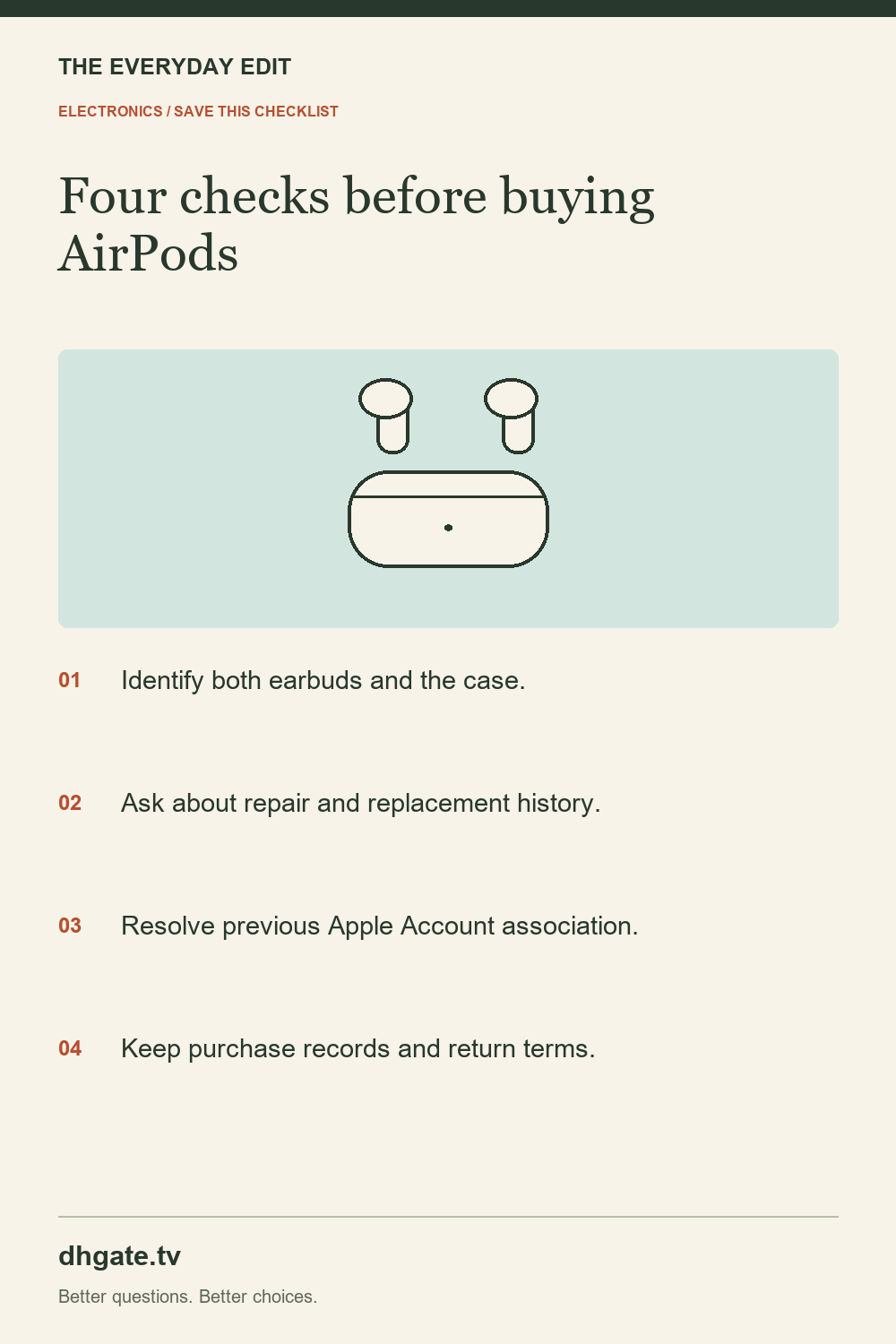
- Model and case identified
- Replacement and repair history
- Previous-account association resolved
- Traceable records and return conditions
Further reading & references
Useful background and further reading.
Questions or a correction? Get in touch with the page link. Read our editorial policy.