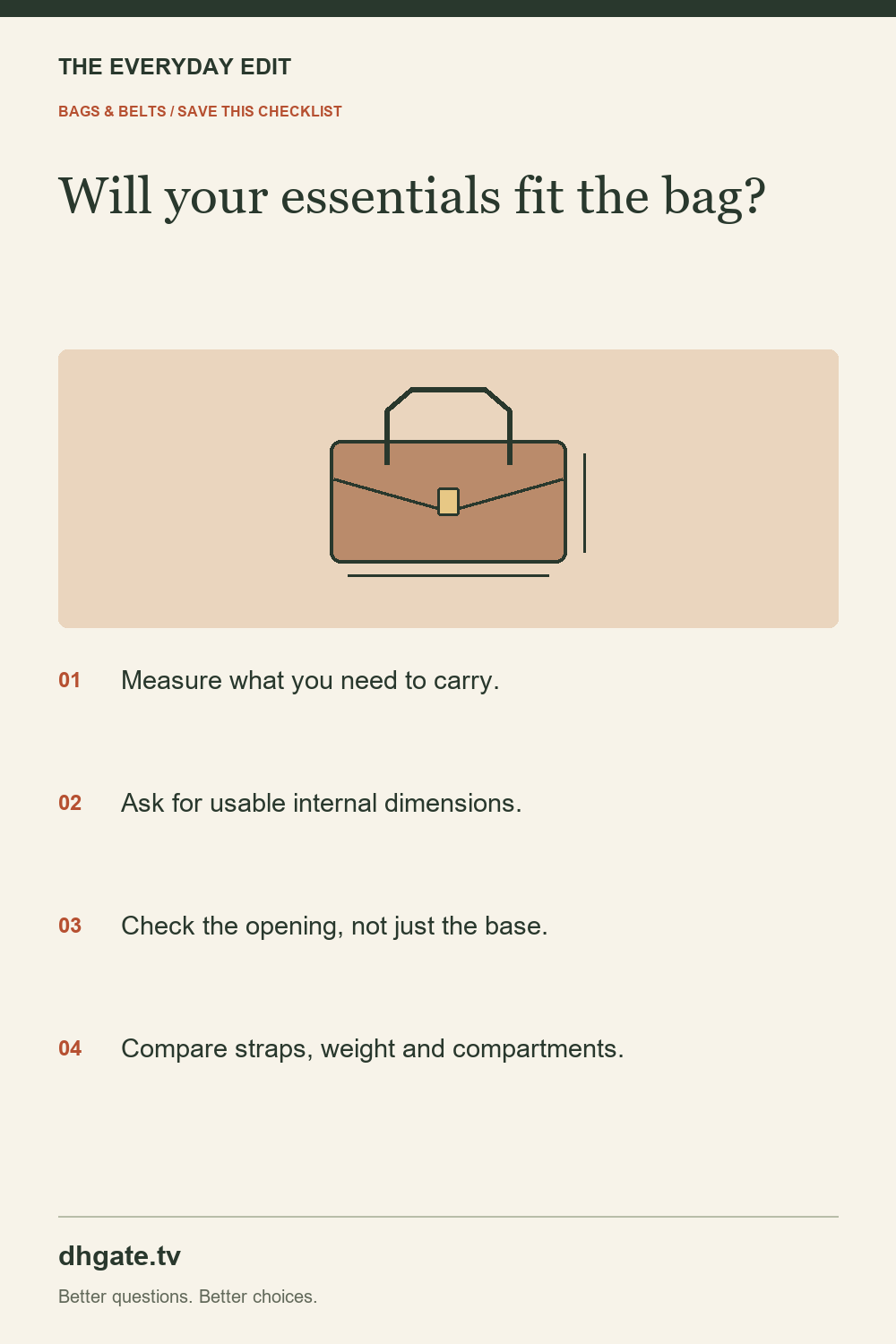
Measure the carried object
Measure the laptop in the sleeve or case you actually use, including any raised seams or handles. Record length, height and thickness. A screen diagonal is not the complete outside size of a computer. If you also carry a charger pouch, set it beside the sleeved device so your carry plan reflects the full working day.
Read bag dimensions carefully
Check which figures are external, internal, base measurements or compartment measurements. Longchamp's product pages, for example, identify base-length measurements on relevant Le Pliage styles. Keep these labels with the numbers. A bag's widest exterior point does not establish the usable width of an interior compartment, especially when seams, lining or curved corners take up space.
Check the route inside
Look for opening measurements and closure photographs. Ask whether the sleeved device can enter without forcing the zipper or bending the bag into an unintended shape. If the seller only repeats the screen-size recommendation, provide your measured dimensions and ask about the actual opening. Treat an unresolved clearance question as unresolved rather than rounding it into a yes.
Plan the loaded arrangement
Sketch the device position, bottle and small pouches, leaving access to the items you use most. Consider whether the bag provides the protection you want or requires a separate sleeve. Where a trial is available, use the real load. Choose based on usable space and carrying comfort rather than a photo of an empty bag.
Your buying checklist
- Measure the sleeved laptop.
- Record thickness as well as width.
- Identify internal versus external dimensions.
- Confirm opening clearance.
- Plan the rest of the daily load.
Further reading & references
Useful background and further reading.
Questions or a correction? Get in touch with the page link. Read our editorial policy.