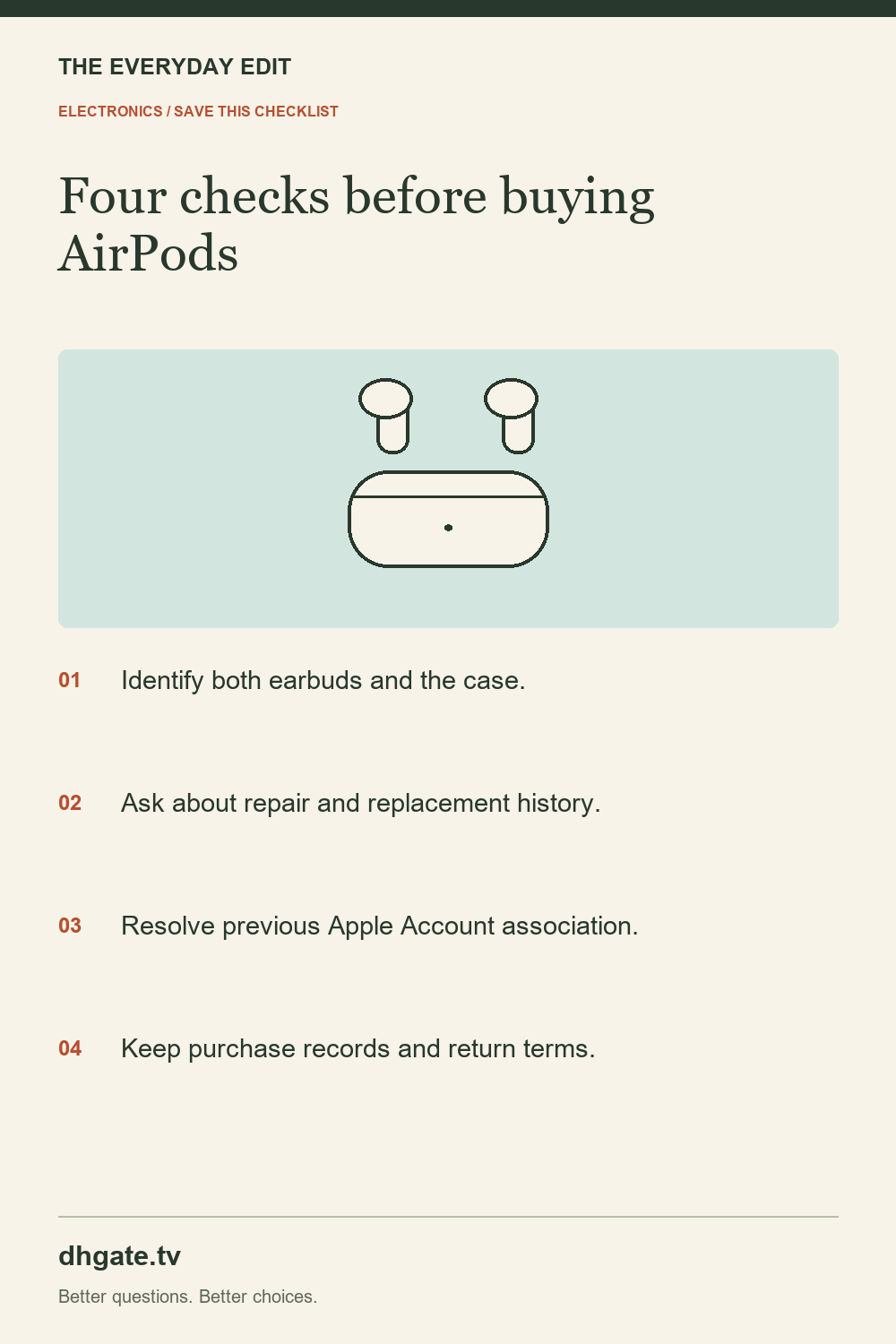
Identify which device you have
Check the AirPods model before selecting a cleaning guide. Apple publishes different instructions for AirPods, AirPods Pro, and AirPods Max, with further distinctions for some surfaces. Save the applicable guide rather than following a short clip for a similar shape. A useful preparation note names both the device and the specific area you intend to clean.
Inspect before adding any liquid
Look at the case, ports, and earbuds under good light. Note visible damage or a loose component and seek support if needed. Keep a photograph if you need to explain a problem later. This step prevents a cleaning attempt from hiding the original condition and helps you distinguish dirt on an outer surface from an issue requiring service.
Prepare only the instructed materials
Read the complete method, including the drying stage, before starting. Do not substitute sharp objects, abrasive tools, or a household cleaner because it happens to be available. Apple's guidance warns against running AirPods under water and getting liquid in charging ports. Keep the charging equipment outside the immediate workspace so you are not tempted to reconnect everything mid-process.
Leave time for completion
Choose a time when you will not need the earbuds immediately. Follow the specified drying instructions before use or return to the case. Put a reminder next to the separated components if another person might move them. If the sound problem remains afterward, report the exact model and symptoms to support rather than repeating stronger cleaning attempts without a clear reason.
Your buying checklist
- Select the correct model guide
- Inspect for damage first
- Read the full method
- Avoid improvised tools
- Allow the specified drying time
Further reading & references
Useful background and further reading.
Questions or a correction? Get in touch with the page link. Read our editorial policy.